Open captions: the ones you can’t switch off
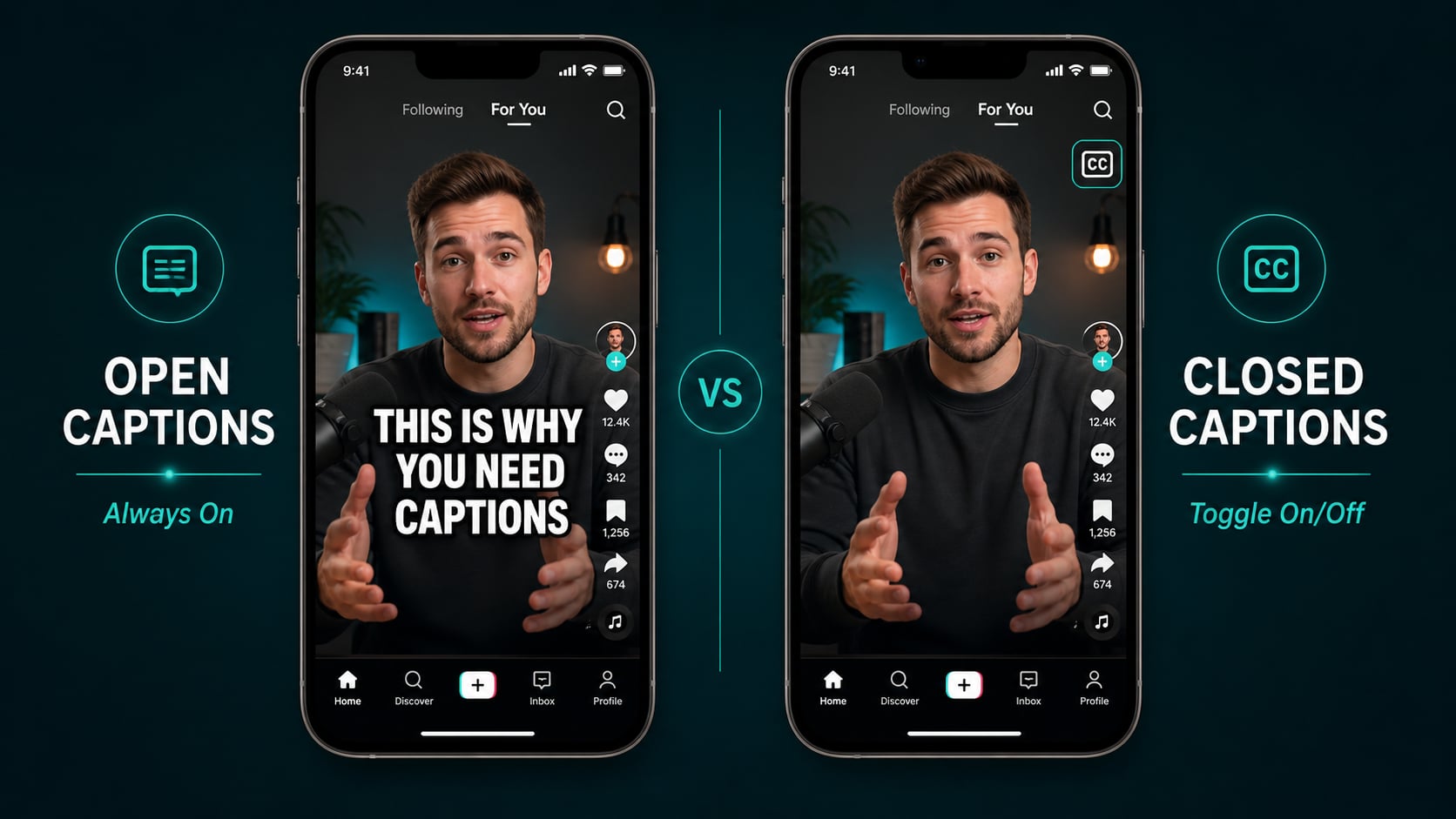
Open captions are burned directly into the video frame. They’re part of the picture, like a title card or a lower third. There’s no toggle. No CC button. Every viewer sees them on every platform every time the video plays.
That’s not a bug. It’s the point. On social media, where videos autoplay silently and a CC button doesn’t exist, open captions are the only captions that actually reach viewers.
Closed captions: the viewer-controlled version
Closed captions travel as a separate file (typically SRT or VTT) alongside the video. The player reads both and gives the viewer a toggle. On YouTube, viewers can even change font size, color, and background.
This is the broadcast standard. It’s what the FCC and ADA legal frameworks require. It’s the format Google indexes for SEO. For YouTube and streaming, closed captions aren’t optional.
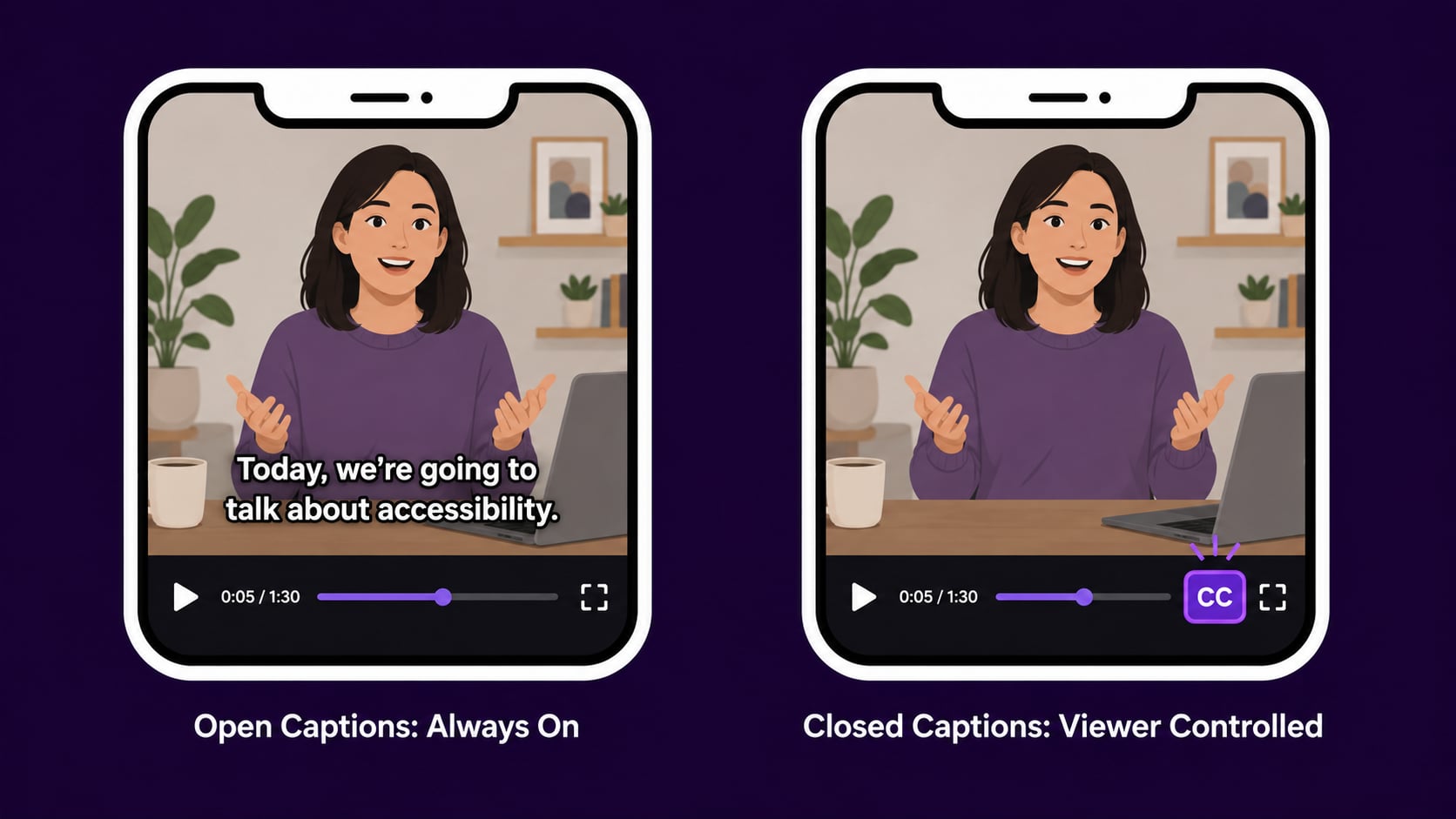
Side by side: what actually changes
| Open Captions | Closed Captions | |
|---|---|---|
| Viewer control | None (always visible) | Can be toggled on/off |
| Stored as | Burned into video file | Separate SRT/VTT file |
| Custom appearance | Set at creation time | Viewer can adjust on most platforms |
| Best platform | TikTok, Reels, Shorts, X | YouTube, TV, Netflix, LinkedIn |
| Legal compliance | Meets intent, not always standard | Required format for ADA/FCC |
| Works in silent autoplay | Yes | Only if viewer enables CC |
When to burn them in (open captions)
- Posting to TikTok, Instagram Reels, YouTube Shorts, or X (Twitter)
- Videos that autoplay silently in a feed
- Stories or vertical video where you want styled, branded captions
- Any platform where you cannot upload a caption file separately
- When you want full control over how the captions look and feel
- Content that gets shared or reposted (burned-in captions travel with the file)
When to upload a caption file (closed captions)
- Uploading to YouTube (SRT file improves SEO and is indexed by Google immediately)
- Broadcast, streaming, or any platform with legal captioning requirements
- Long-form content where viewers may want to disable captions
- Enterprise or educational video where accessibility standards apply
- Multilingual content where you provide multiple language tracks
- Any situation where viewers expect to customize caption appearance
Pro tip
For social-first creators, open captions aren’t optional. They’re survival. 85% of Facebook videos get watched on mute. If your captions require a viewer to click something, most of them won’t. They’ll just scroll past.
You don’t have to choose: one workflow, both formats
The smart move is generating both from the same caption pass. I do this for every long-form video I distribute across platforms:
- 1 Upload your video to AutoCaption and generate captions automatically.
- 2 Style your captions: font, size, color, position, animation.
- 3 Export as a burned-in video (open captions) for TikTok, Reels, and Shorts.
- 4 Export the SRT file (closed captions) to upload to YouTube and LinkedIn.
- 5 Done. One workflow, two formats, every platform covered.