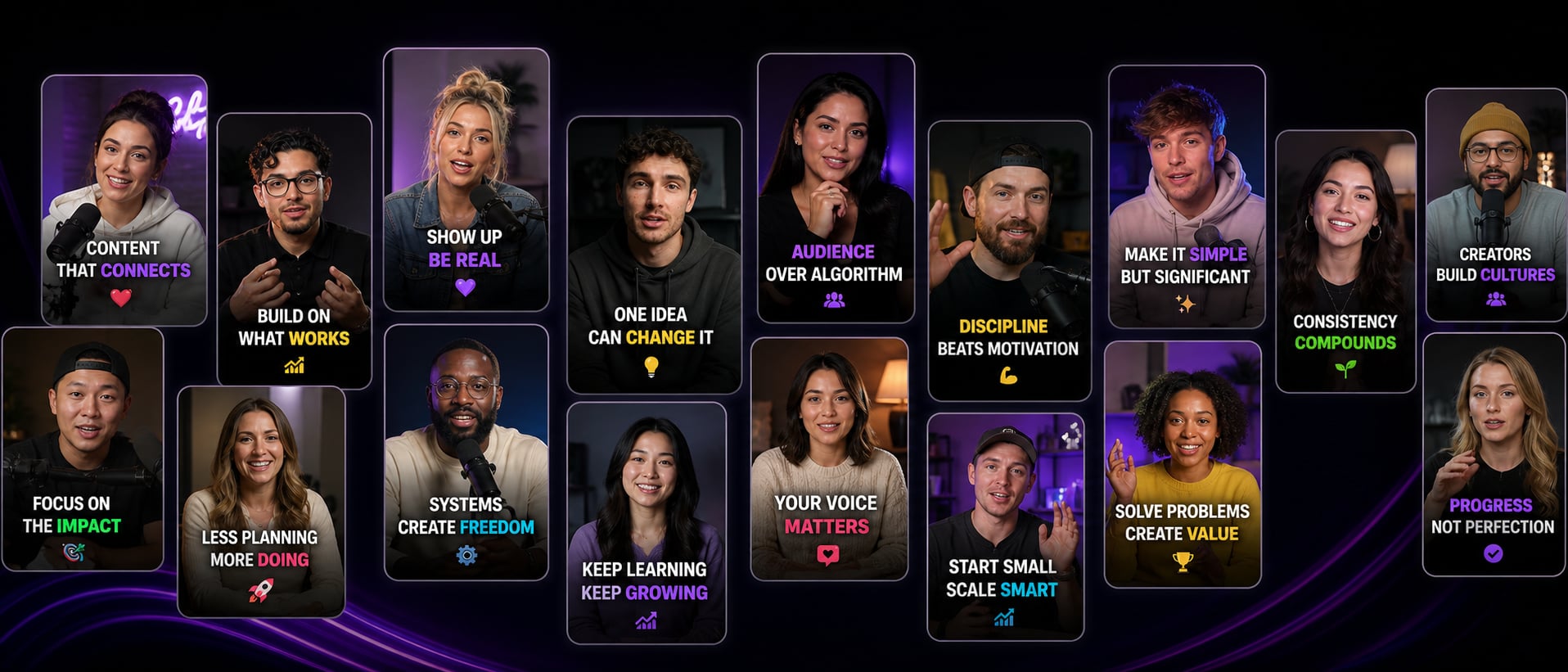
Create viral captions
for your videos in
seconds
AutoCaption automatically generates stylish captions, animated emojis, and ready-to-post videos for TikTok, Reels, and Shorts.


Features
Everything you need to
create better captioned videos.
AutoCaption helps creators generate captions, edit quickly,
save templates, and publish faster—on any platform.
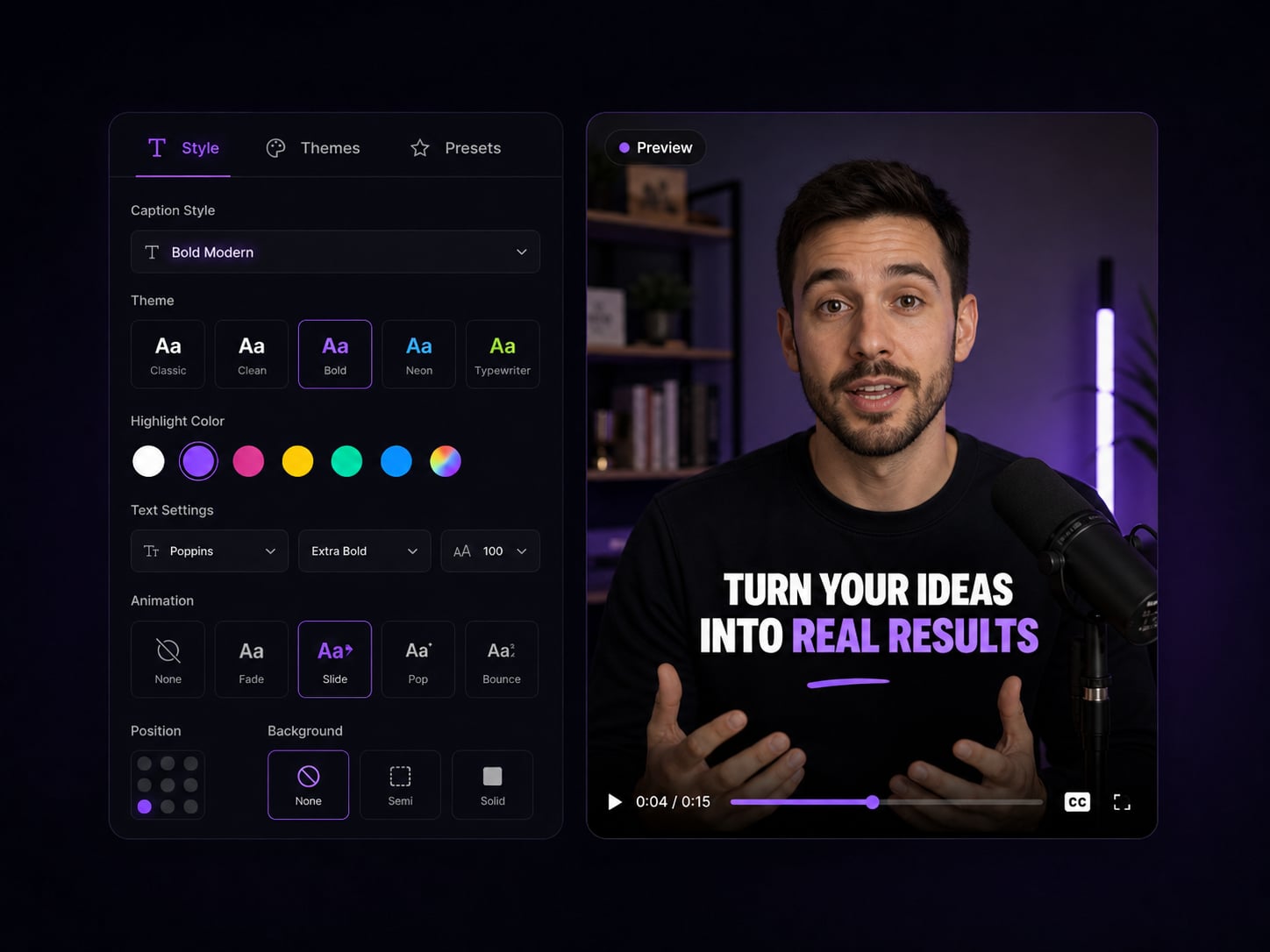
Caption styles that keep people watching
Dynamic captions with animations, emphasis, and 100+ languages.
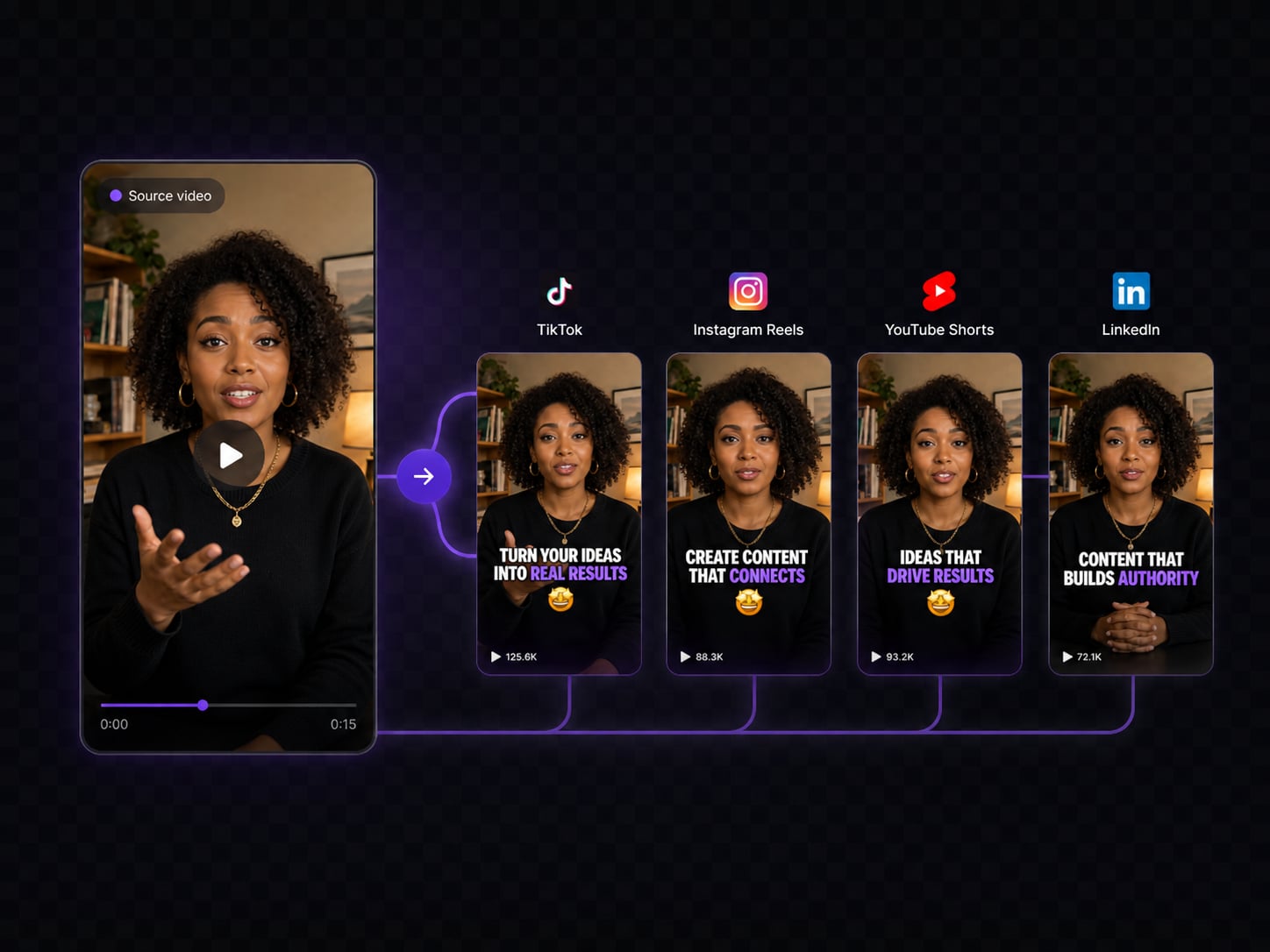
One video, every platform
Auto-resize for TikTok, Reels, Shorts, and LinkedIn in one click.
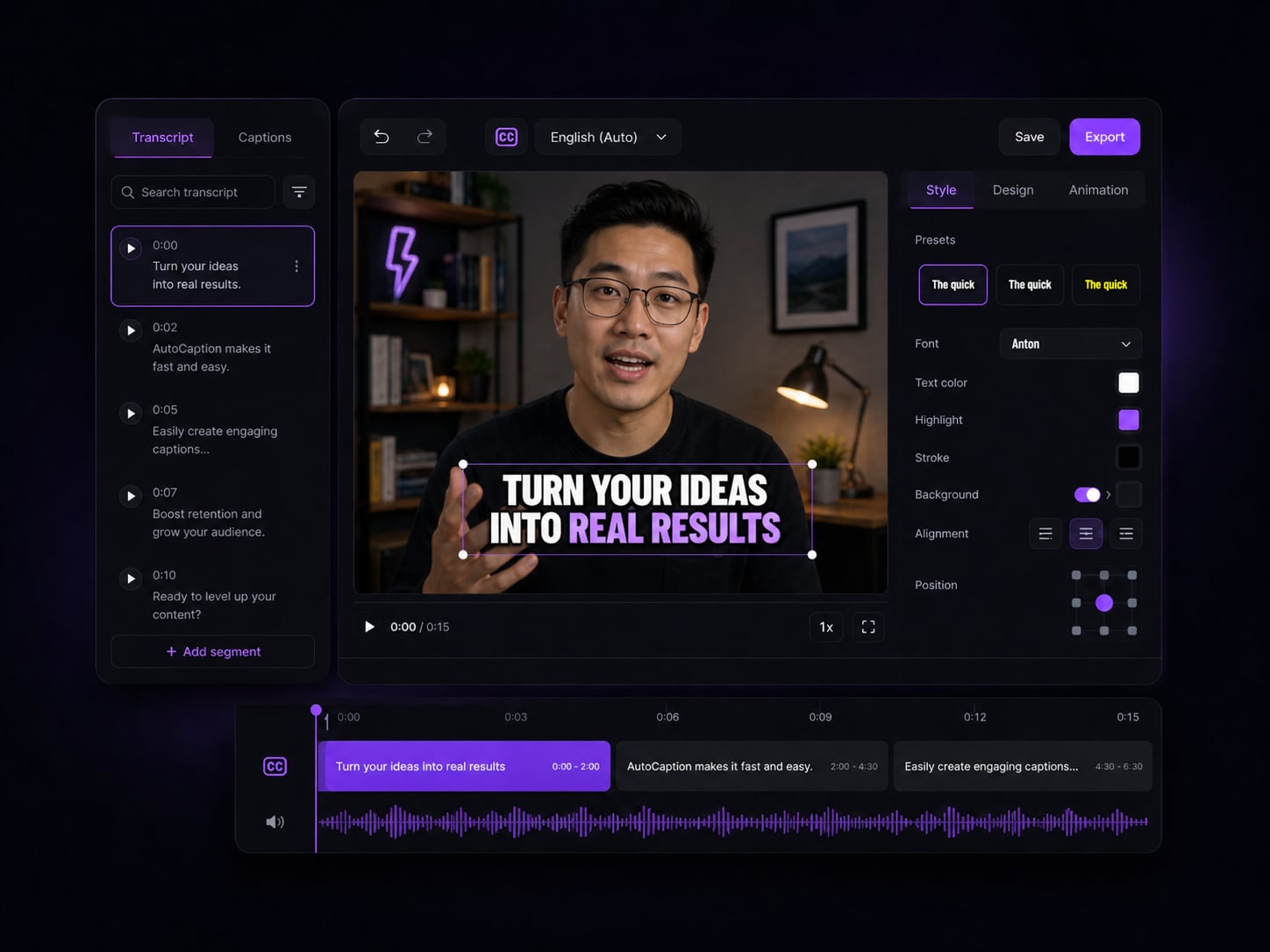
Edit subtitles and timing
Fine-tune every word and adjust timing in a simple timeline editor.
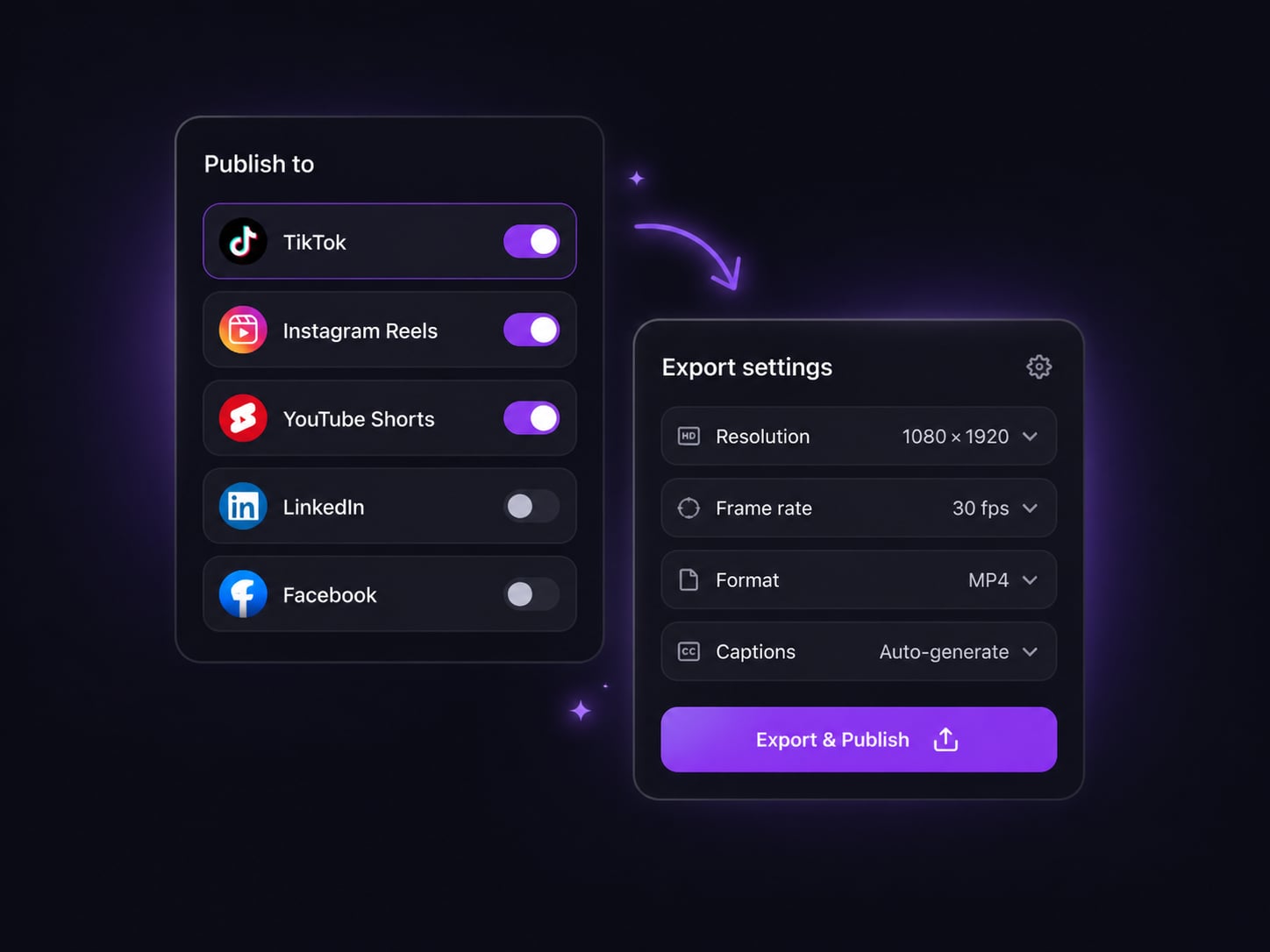
Export and publish faster
High-quality export and direct publishing — without leaving AutoCaption.
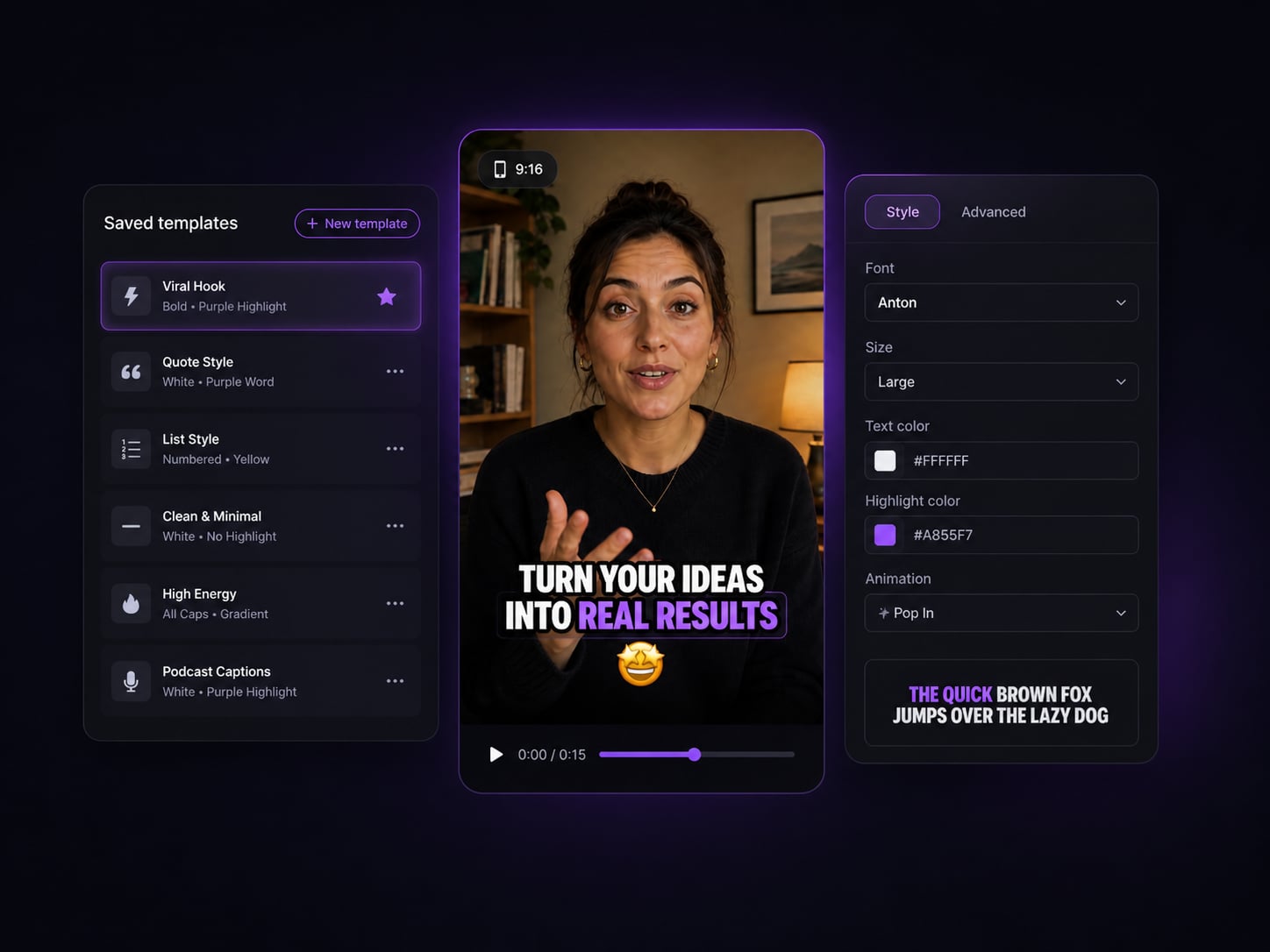
Save your best templates
Build branded caption presets with your fonts and colors, reuse instantly.
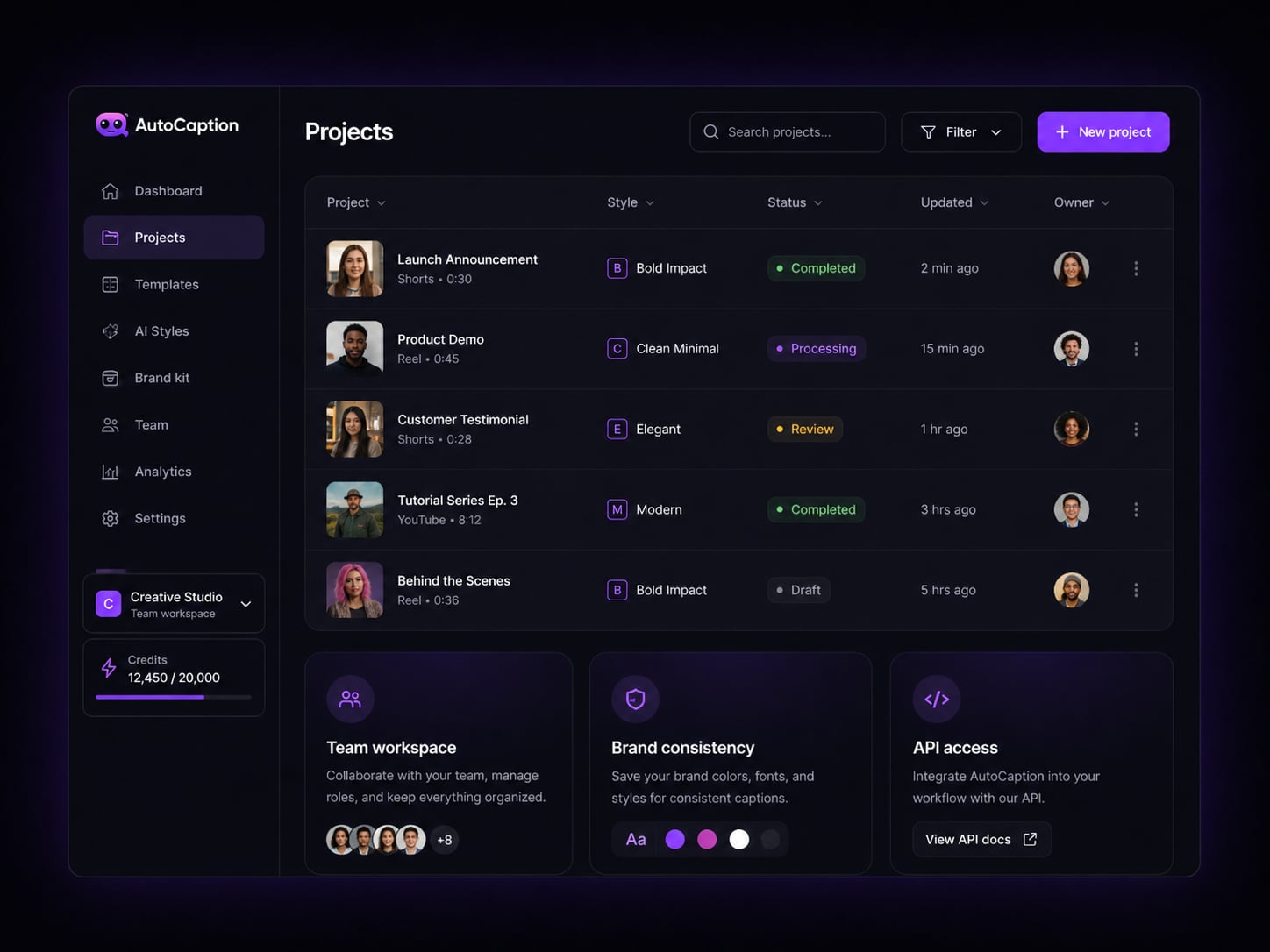
Made for creators and teams
Collaborate, manage projects, and automate with API access.
✦ How it works ✦
Create captioned videos in
3 simple steps
From upload to publish in minutes — no editing experience needed.
No credit card required
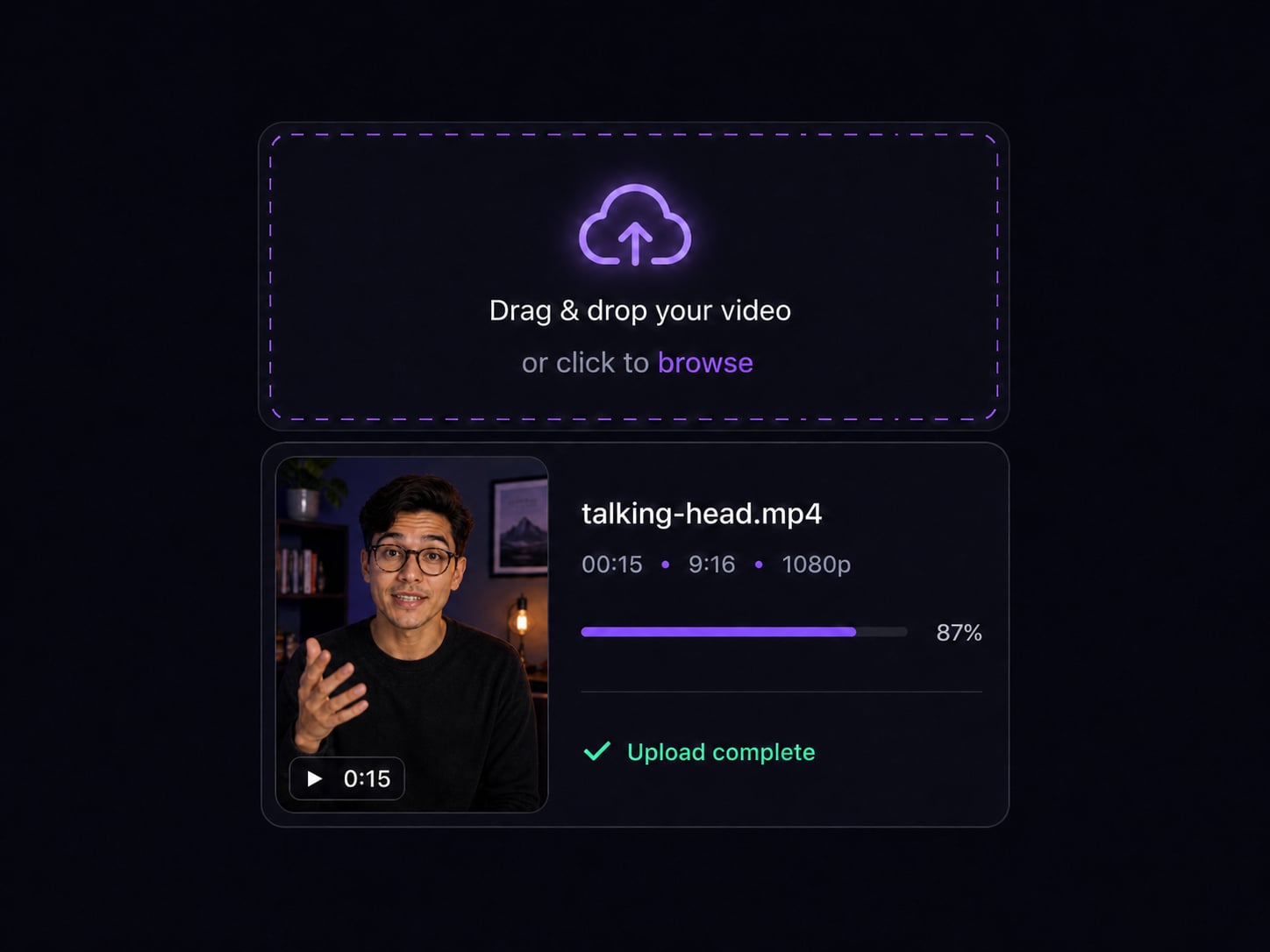
Upload your video
Drag and drop or select any video file. We support all major formats.
Customize your captions
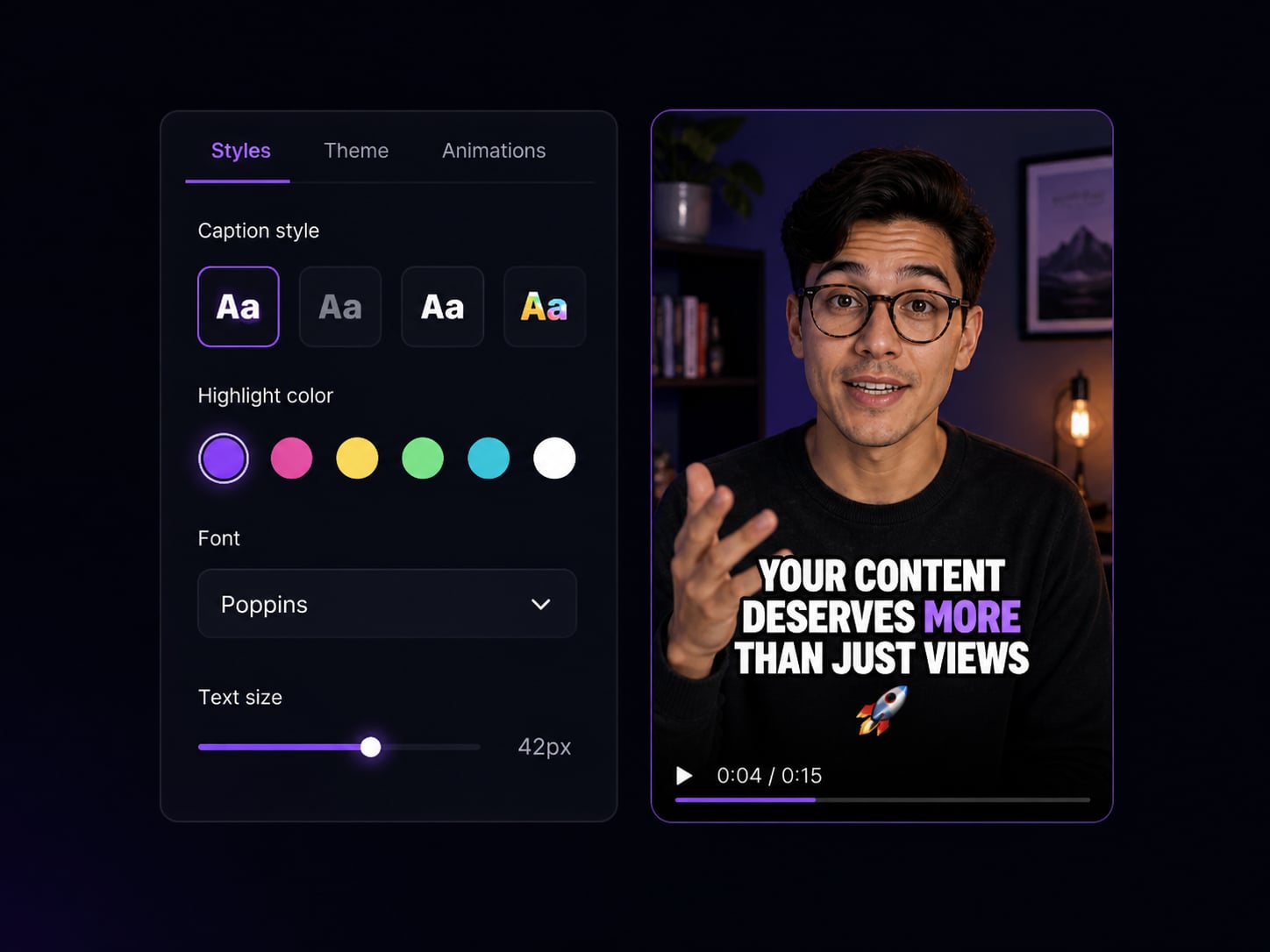
Pick a caption style, adjust fonts, colors, animations, and timing.
Export & publish
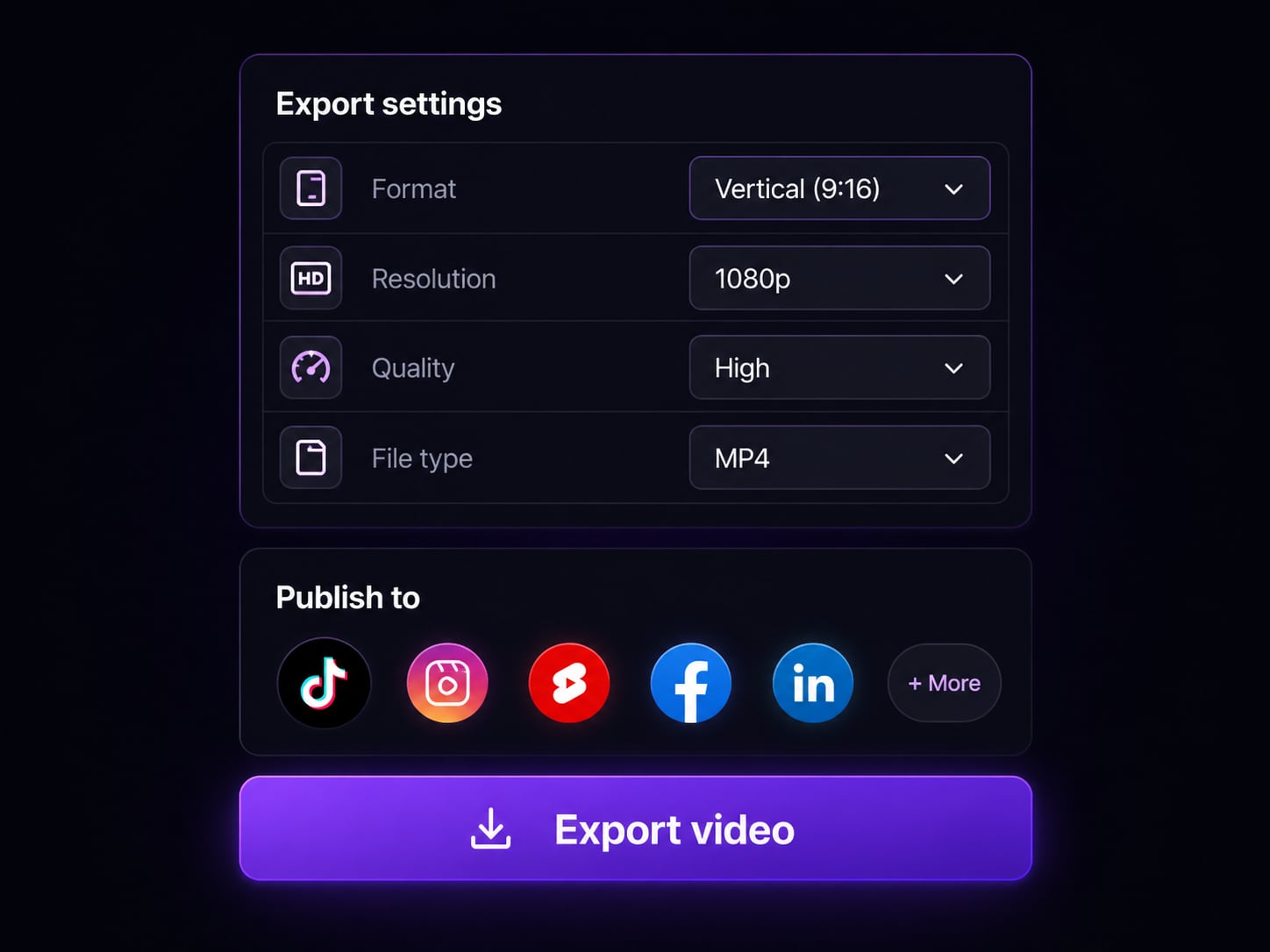
Download in any format or publish directly to TikTok, Reels, or Shorts.
Upload your video
Drag and drop or select any video file. We support all major formats.
Customize your captions
Pick a caption style, adjust fonts, colors, animations, and timing.
Export & publish
Download in any format or publish directly to TikTok, Reels, or Shorts.
✦ FAQ ✦
Frequently asked questions
Everything you need to know about AutoCaption.
More tools
Every caption tool you need
Purpose-built pages for every use case and platform.
AI Caption Generator
Auto-transcribe and style captions for any video in under 10 seconds.
TikTok Caption Generator
Viral-ready word-by-word captions optimized for 9:16 vertical format.
Subtitle Generator
Burned-in subtitles that show on every platform without SRT files.
Add Captions to Video
Step-by-step: from raw video to captioned and ready in under 2 minutes.
AutoCaption vs Submagic
Side-by-side comparison for caption-focused creators.
AutoCaption vs Kapwing
How a caption-first tool compares to a general video editor.
Ready to create
captioned videos
that stand out?
AutoCaption helps creators turn any video into engaging, captioned content in minutes.