They’re not the same thing: here’s where it matters
Captions are for viewers who can’t hear the audio. Subtitles are for viewers who can hear but need the words, usually because of a different language, or to follow along with complex content.
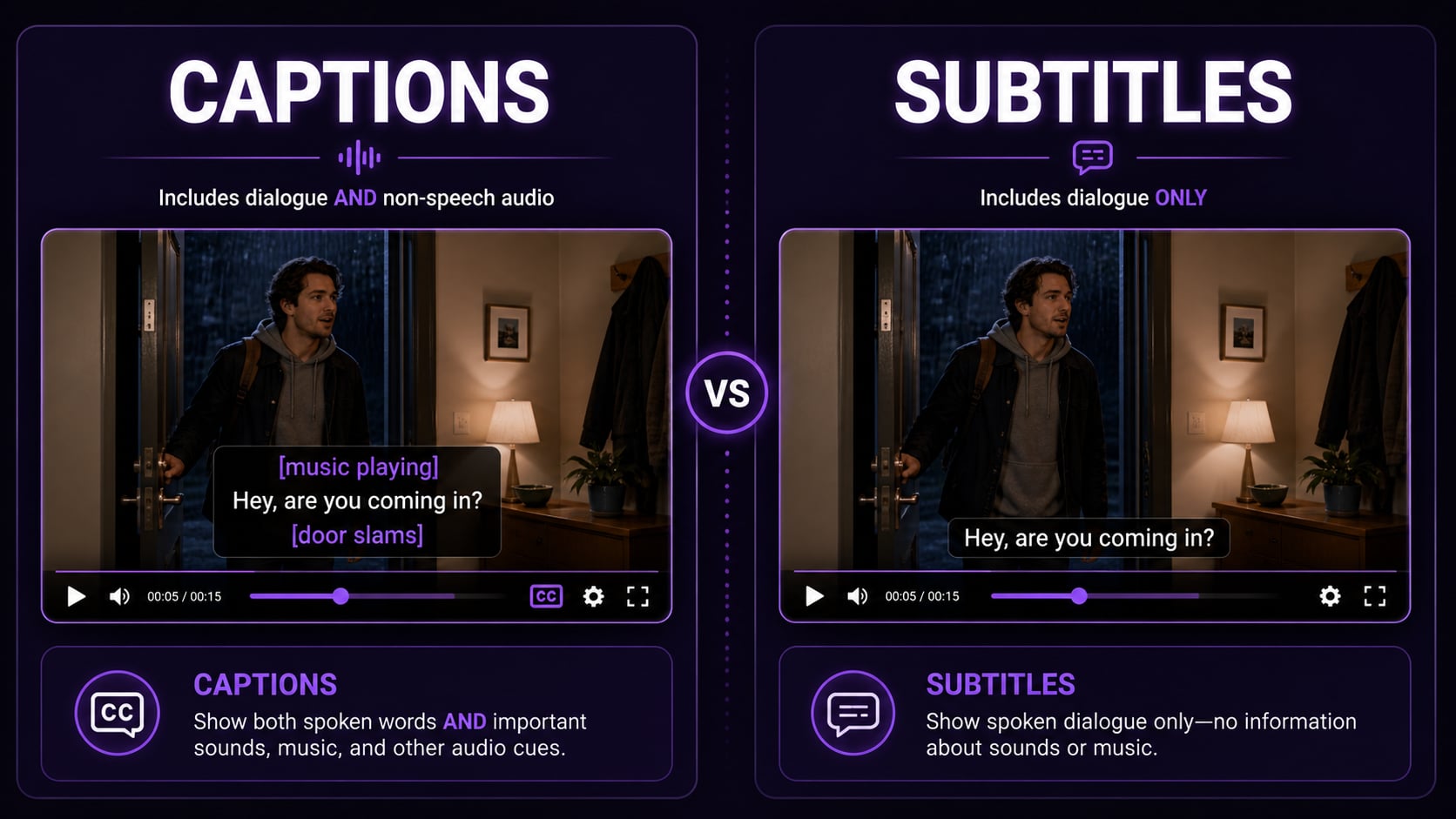
That’s the real distinction. Captions include everything: dialogue, sound effects, music, speaker identity, ambient noise. Subtitles only transcribe spoken words. One is an accessibility tool. The other is a comprehension aid.
In practice, most platforms blur this completely, which is exactly why the confusion exists.
What each one actually contains
| Audio element | Captions | Subtitles |
|---|---|---|
| Spoken dialogue | Yes | Yes |
| Sound effects ([door slams]) | Yes | No |
| Music ([upbeat jazz]) | Yes | No |
| Speaker identification ([Sarah]:) | Yes | No |
| Tone/emotion ([whispering]) | Yes | No |
| Foreign language translation | Optional | Primary use case |
Open vs closed: how they’re delivered
Both captions and subtitles can ship in two ways:
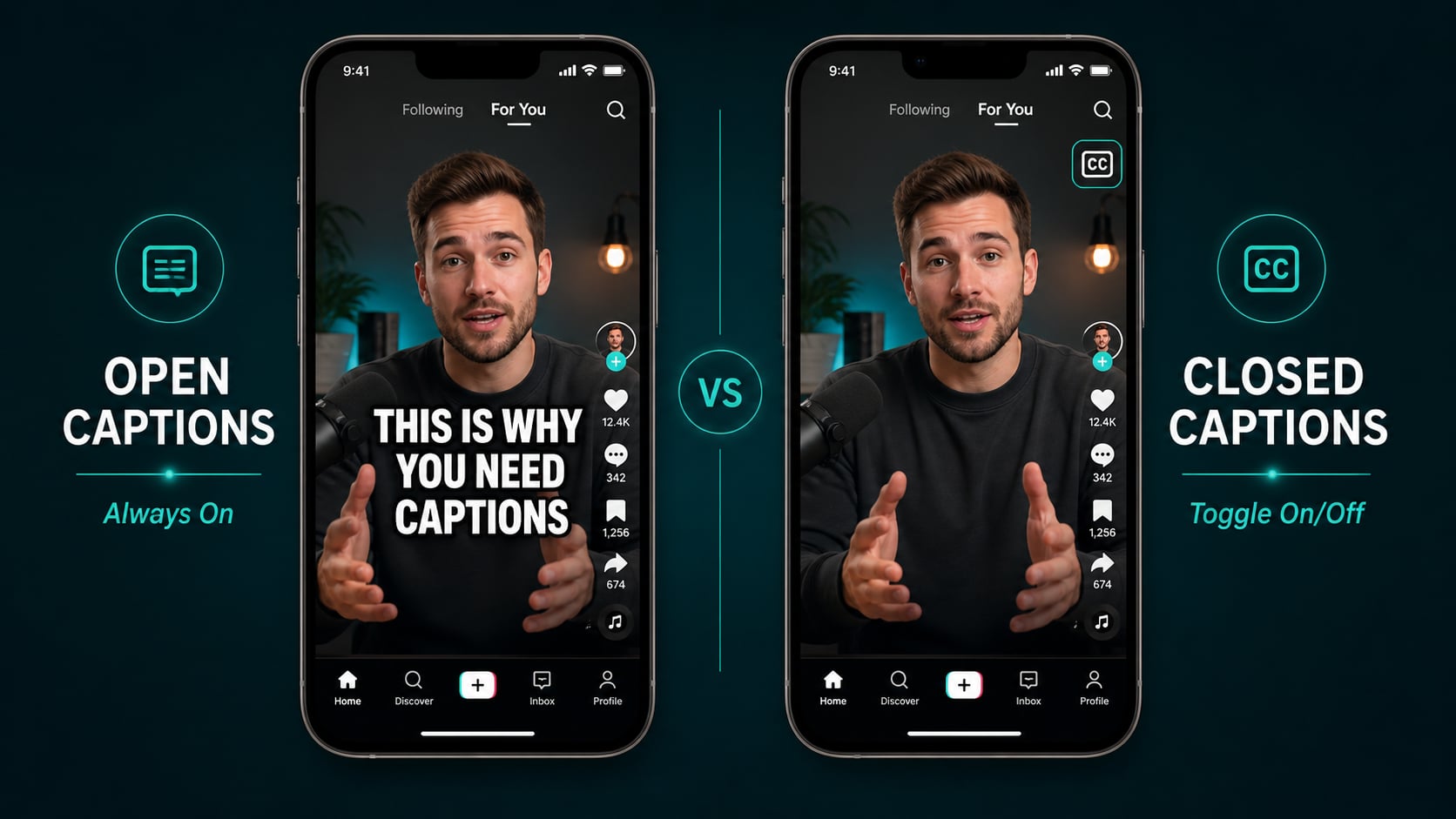
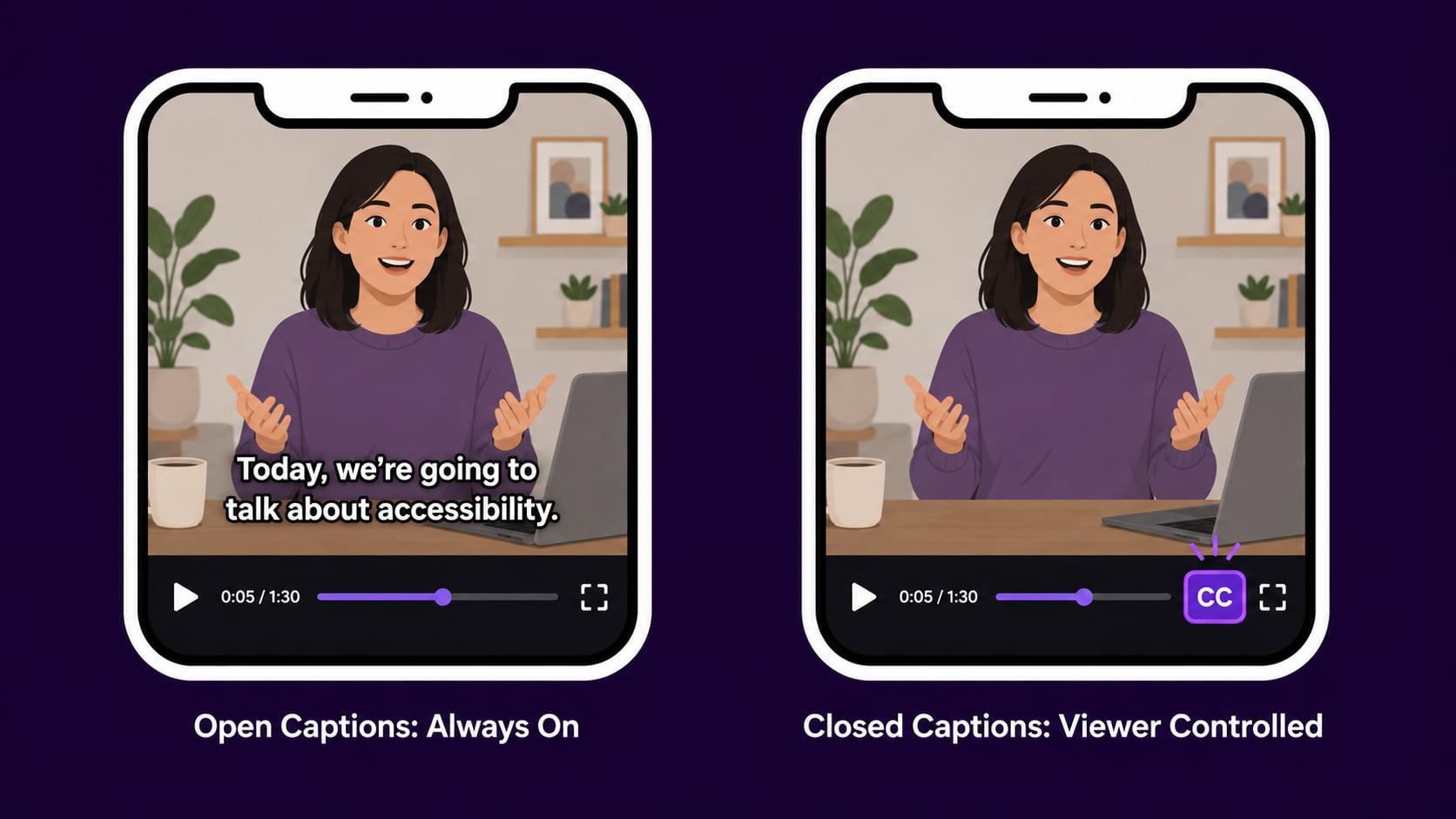
- Closed: stored as a separate file (SRT, VTT), toggled on/off by the viewer
- Open: burned permanently into the video frame, always visible, no toggle
Most broadcast and streaming platforms use closed. Social media creators running silent-autoplay content almost always need open captions. The CC button is useless if nobody clicks it.
When captions are the right call
- Your audience watches on mute (social media, commuting, open-plan offices)
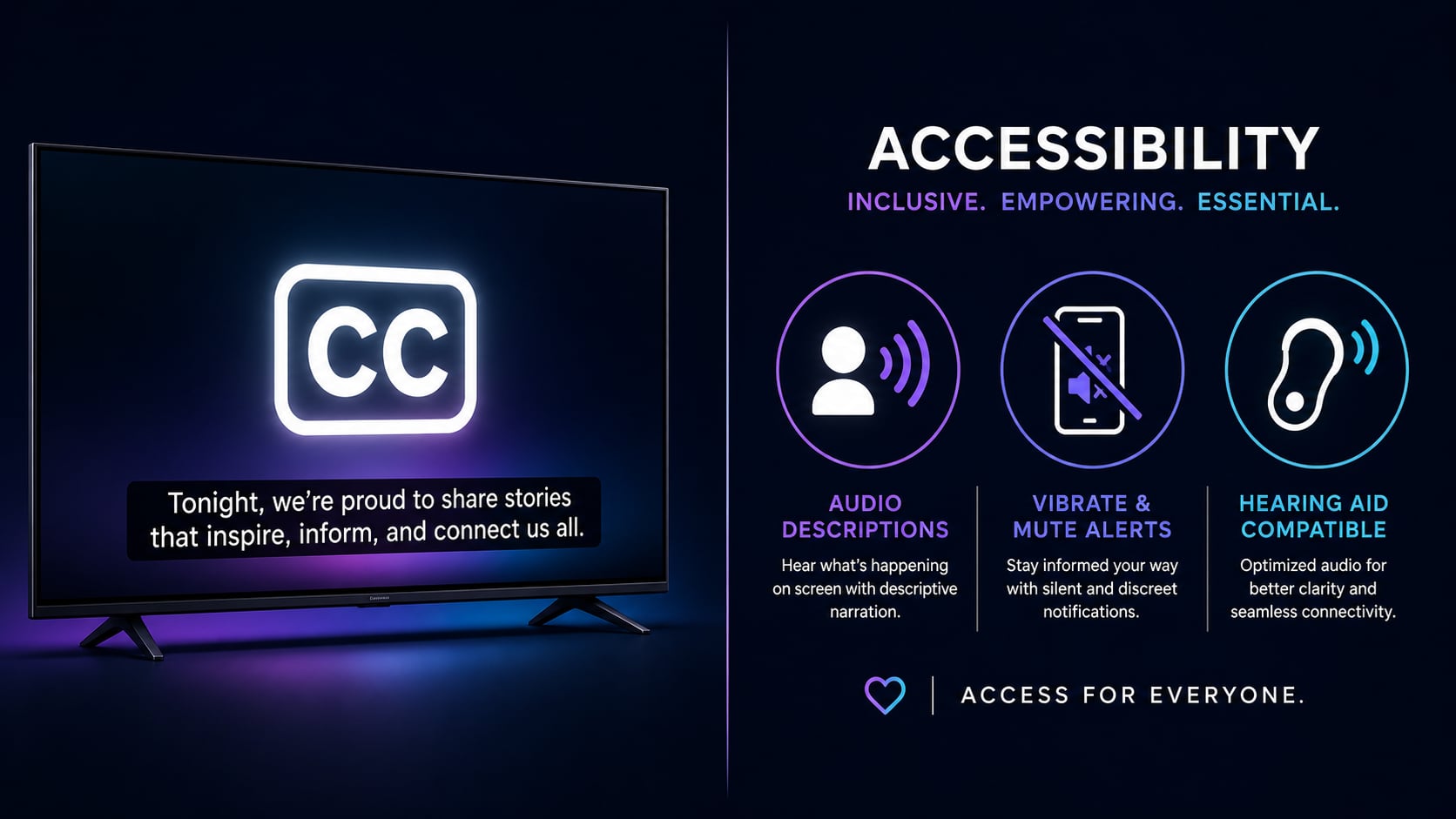
- You want to be accessible to deaf or hard-of-hearing viewers
- You need to meet ADA, FCC, or CVAA legal requirements
- You want your video content indexed by search engines
- You are posting to YouTube, LinkedIn, Facebook, or TikTok
When subtitles make more sense
- You are distributing to a non-English-speaking audience
- You are releasing a foreign-language film or documentary
- You are adding translated versions of existing captioned content
- Your audience speaks the language but wants text support for complex or technical content
Pro tip
When you’re not sure, default to captions. They’re a superset: they include everything subtitles include, plus non-speech audio. For social media content, captions are almost always the correct choice, and the naming debate doesn’t affect how the file actually works.
Why platforms make this so confusing
YouTube calls its feature “Subtitles/CC.” Instagram and TikTok call everything “captions.” Netflix uses both terms but defines them differently by region. I’ve stopped caring what the platform labels it. What matters is what’s in the file.
If your text track includes sound effects and speaker labels, it’s a caption file. If it only has dialogue, it’s a subtitle file. The UI is not a reliable guide.
The workflow that covers both
For most video creators, this is all you need:
- Create a closed caption file (SRT or VTT) covering all audio: dialogue, effects, everything.
- Upload it to your platform as the default text track.
- If you need translations, duplicate the file and swap out the dialogue lines only.
AutoCaption handles step 1 automatically. Accurate captions ready to export. Everything else is just uploading a file.