So what exactly are closed captions?
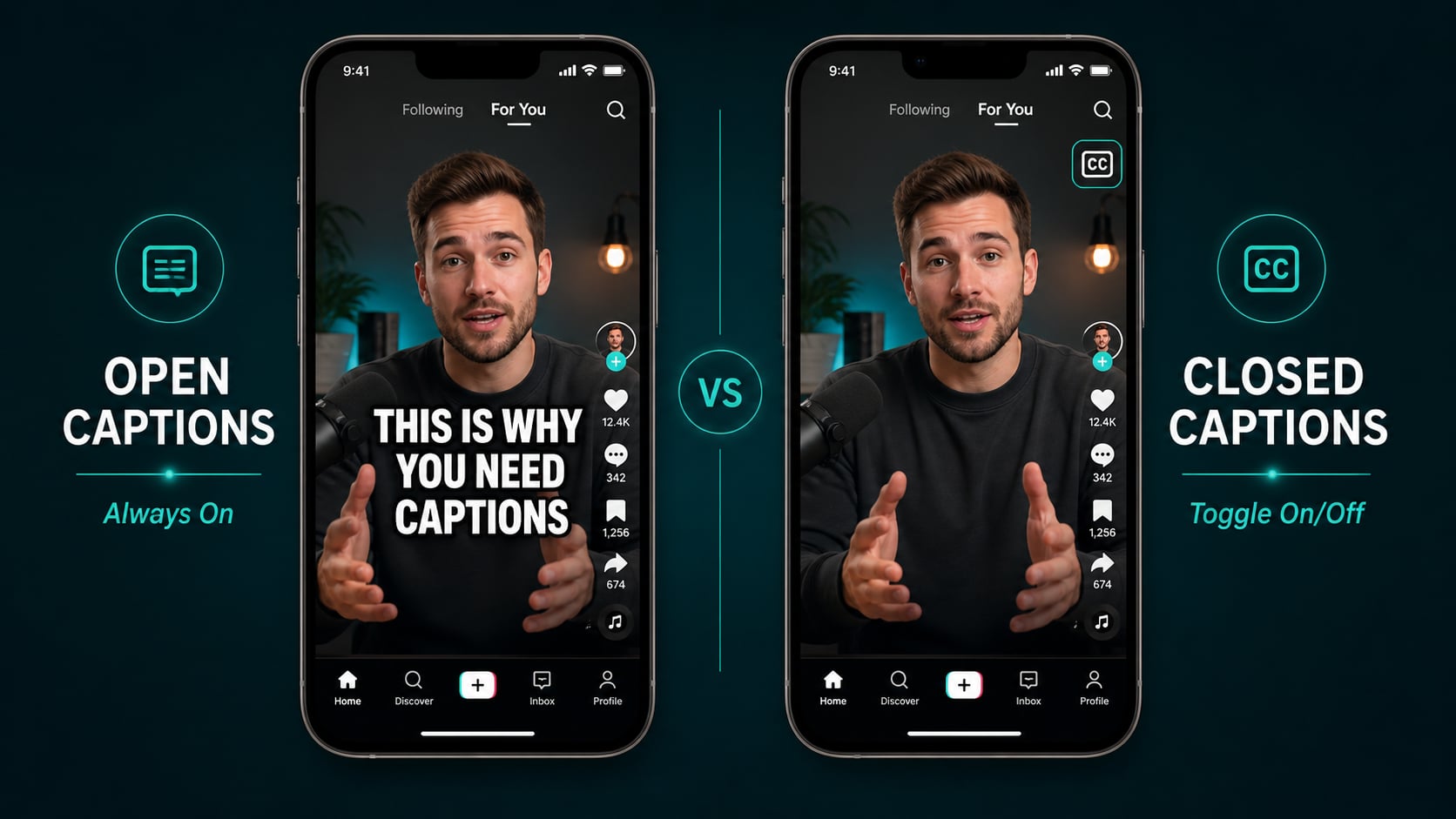
“Closed” is the part people get wrong. It doesn’t mean restricted. It means the captions are hidden by default and the viewer chooses to enable them. The opposite is “open” captions, which are baked into the video frame permanently and can’t be switched off.
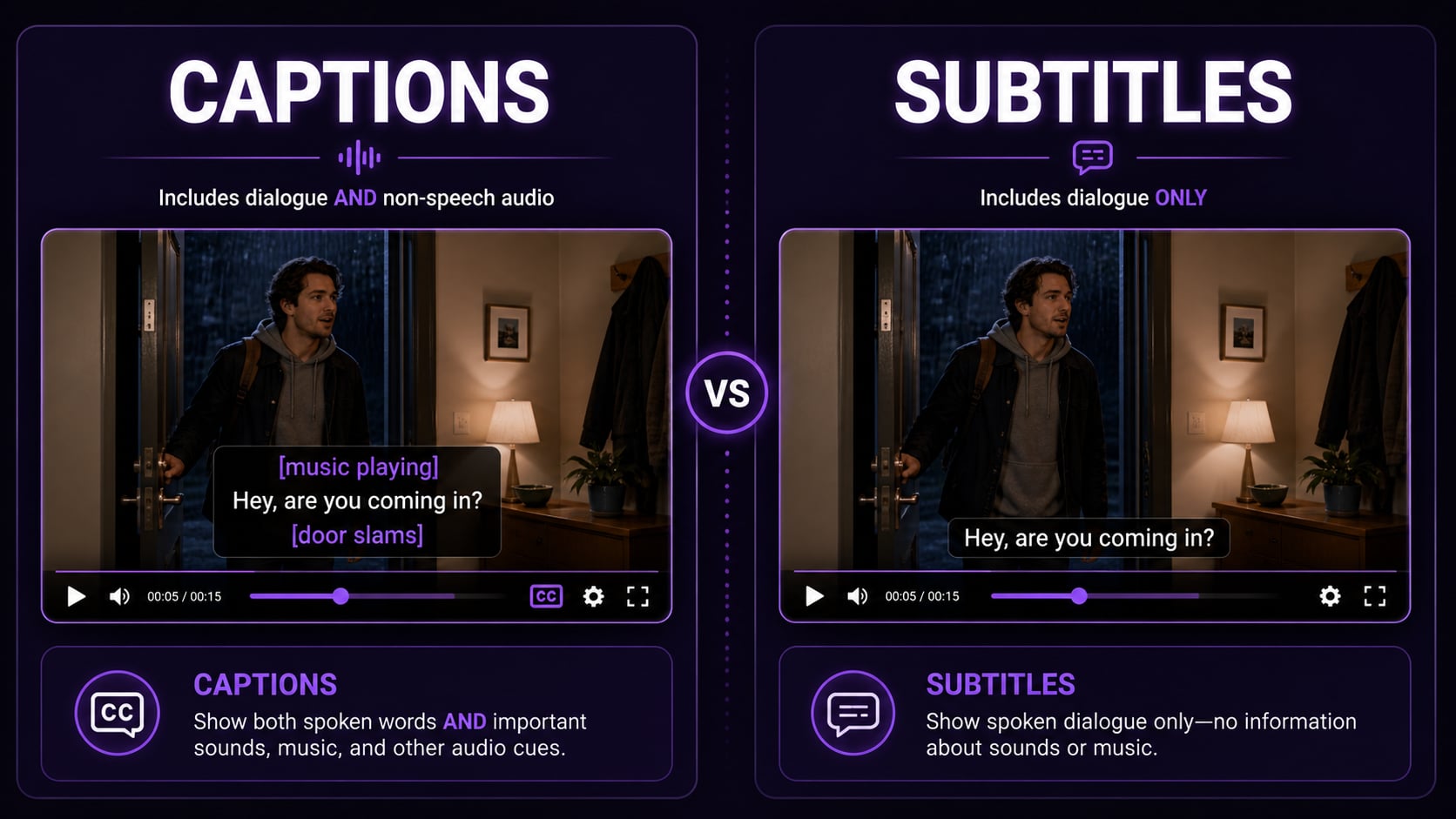
Closed captions (CC) transcribe everything you hear: dialogue, sound effects, speaker labels, music descriptions, ambient noise. Not just the words. All of it. That’s what sets them apart from subtitles, which only handle speech.
Closed captions vs open captions: the actual difference
The key distinction is viewer control. Closed captions toggle. Open captions don’t. They’re part of the video itself.
| Closed Captions | Open Captions | |
|---|---|---|
| Visibility | Viewer toggles on/off | Always visible, cannot be turned off |
| Stored as | Separate file (SRT, VTT, etc.) | Burned into the video |
| Customizable by viewer | Yes (size, color, font) | No |
| Best for | YouTube, TV, streaming platforms | Social media, silent autoplay |
| Production effort | Upload a caption file | Re-render the video |
I use both. Closed captions for anything going to YouTube or LinkedIn, open captions burned in for TikTok and Reels. Different tools for different jobs.
What closed captions actually include
This is where most people are surprised. Good closed captioning goes way beyond transcribing dialogue:
- Spoken dialogue (verbatim or edited)
- Speaker identification ([John]:)
- Sound effects ([door slams], [explosion])
- Music descriptions ([upbeat jazz playing])
- Tone and emotion ([sarcastically], [whispering])
- Silence or ambient noise ([silence], [crowd noise])
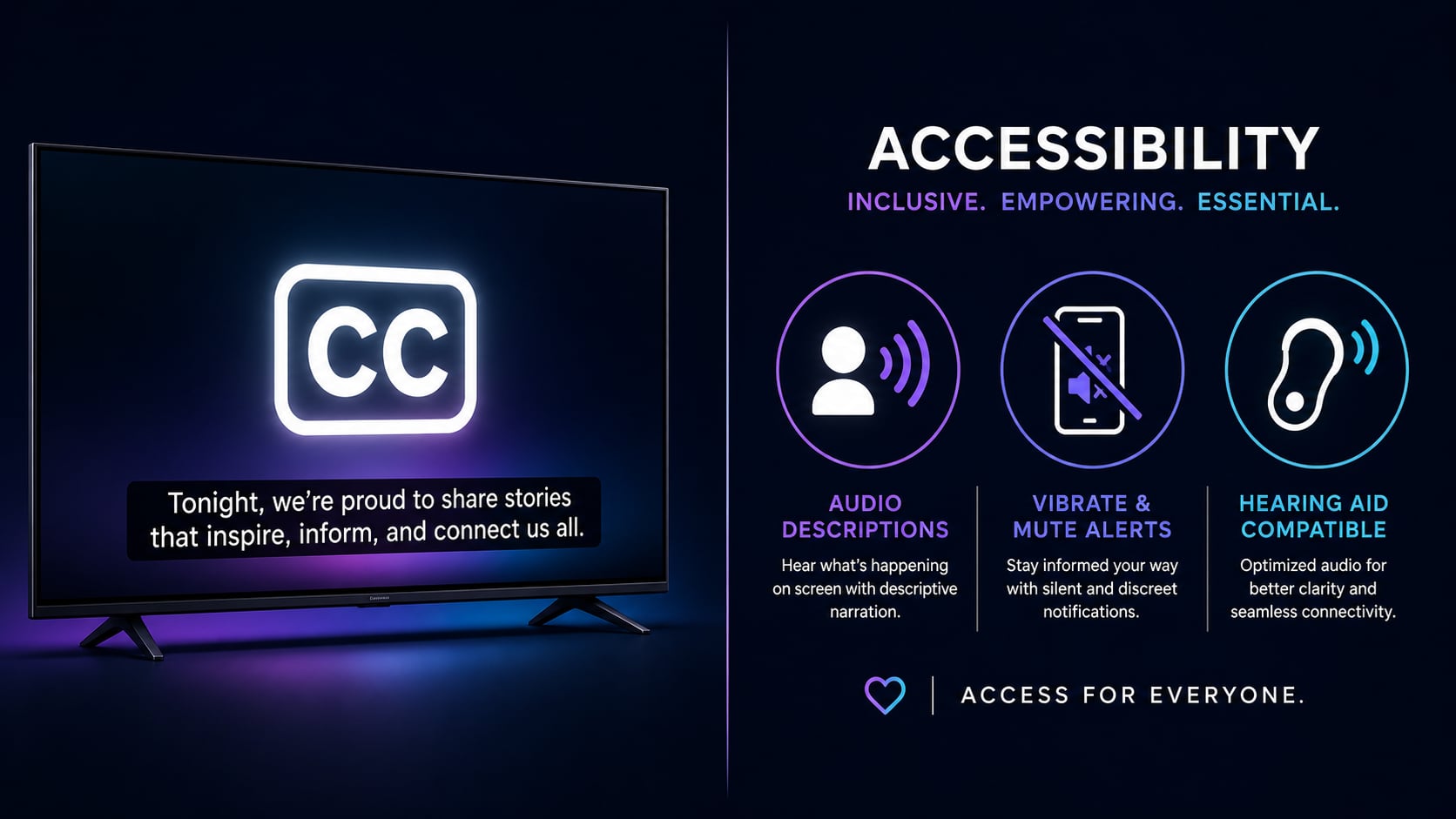
That level of detail is what makes closed captions genuinely accessible, not just readable for someone with the volume turned down.
Why this actually moves the needle for your content
Captions stopped being optional a while ago. Here’s why they matter beyond the compliance angle:
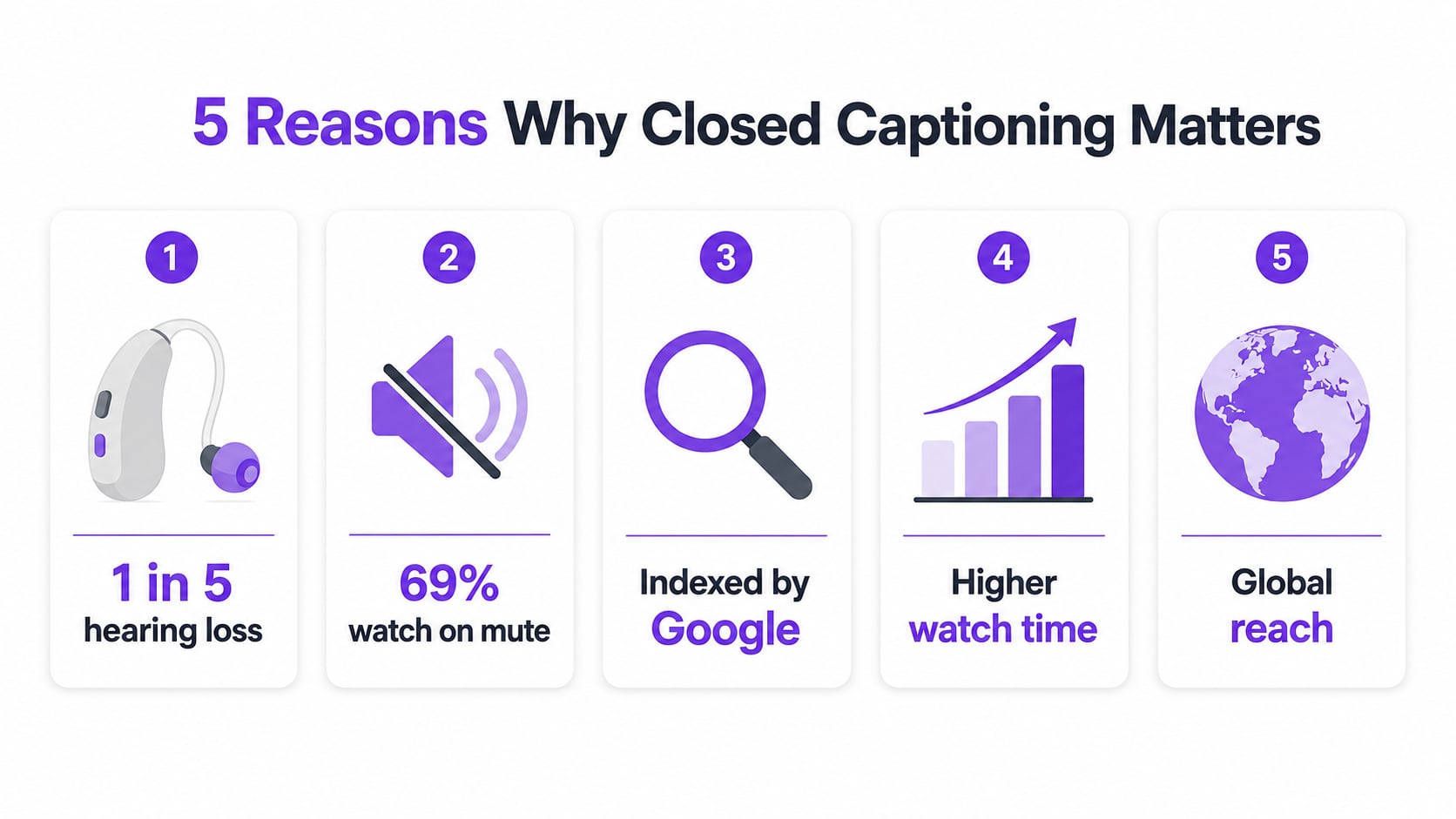
- Reach: 1 in 5 people in the US has some degree of hearing loss. That’s not a niche audience.
- Silent viewing: 85% of Facebook videos and 69% of TikTok videos get watched without sound. Captions keep those viewers watching.
- SEO: Search engines index your caption text. More words means more keyword surface area and better rankings.
- Watch time: Captioned videos consistently show higher completion rates, which the algorithm notices and rewards.
- Global audience: Captions make fast-spoken English followable for non-native speakers worldwide.
The legal side: who actually has to caption
- 1 FCC Rules: All video programming distributed on broadcast or cable TV in the US must be closed captioned.
- 2 CVAA (2010): Online video that previously aired on TV must include captions when distributed online.
- 3 ADA: Businesses subject to Title III must make video content accessible, which typically means providing captions.
- 4 Section 508: Federal agencies and their contractors must caption all video content.
- 5 Platform Policies: YouTube, LinkedIn, and other platforms strongly encourage or require captions for monetized content.
Pro tip
Even if you’re not legally required to caption, the ROI is hard to ignore. More reach, better SEO, higher watch time, all for about 5 minutes of work with an AI tool. It’s one of the few things in content creation where the effort-to-impact ratio is genuinely ridiculous.
How to add closed captions to your video
- 1 Choose your method: manual SRT upload, platform auto-captions, or an AI tool like AutoCaption.
- 2 Generate the captions: AutoCaption transcribes your video automatically with high accuracy.
- 3 Review and edit: Check for errors, especially on proper nouns and technical terms.
- 4 Export the caption file: Download as SRT or VTT depending on your platform.
- 5 Upload to your platform: YouTube, Vimeo, LinkedIn, and most platforms accept SRT or VTT files.