The silent scroll problem nobody talks about
Scroll through TikTok for 60 seconds. Count how many videos you watch without turning the sound on. I did this last month and the number was 7 out of 10. That’s not unusual. Research consistently puts TikTok’s silent viewership between 40% and 70%, depending on context.
No captions means you’re invisible to all of them. Full stop.
There’s a second reason captions matter, and it’s algorithm-level brutal: watch time. TikTok distributes based on how long people watch and whether they complete your video. Captioned videos hold muted viewers who would have scrolled away in the first 5 seconds. More watch time → more reach. Uncaptioned content is fighting with one hand tied.
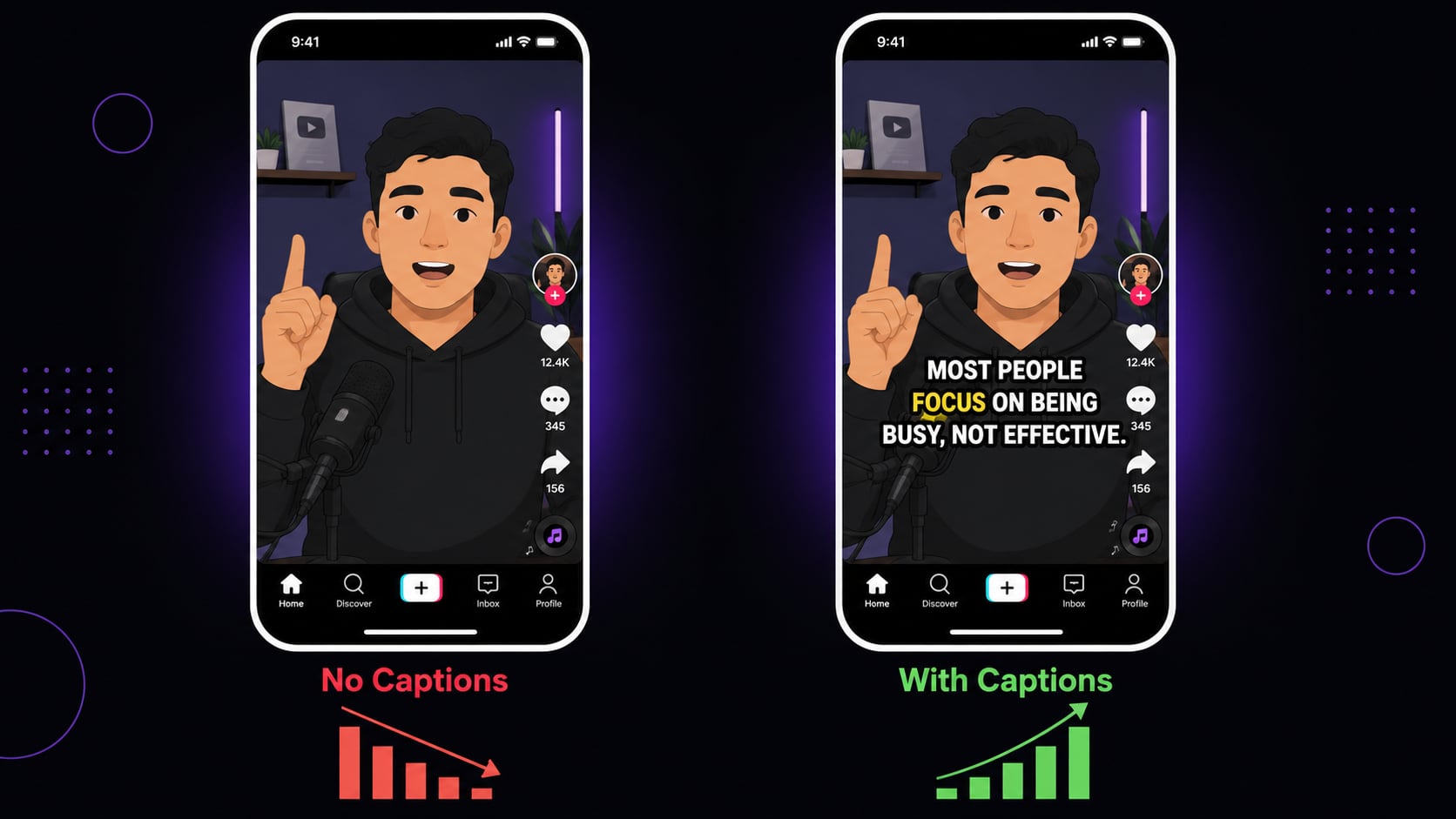
TikTok’s built-in auto-captions won’t cut it
TikTok does have its own Auto Captions feature, buried under Post Settings. I’ve tested it on a bunch of videos and the results are, charitably, inconsistent. Plain white text, zero style control, and accuracy that breaks down the moment you say anything technical or branded.
Here’s how it actually compares to a real TikTok caption generator:
| TikTok Auto Captions | AutoCaption (AI) | |
|---|---|---|
| Accuracy | Moderate | High (95%+) |
| Style control | None (plain white text only) | Full: font, color, size, stroke, animation |
| Word-by-word animation | No | Yes |
| Burned into video | No (only shown in TikTok app) | Yes (travels with the video everywhere) |
| Works on reposts/shares | No | Yes |
| Editable before posting | Limited | Full editor before export |
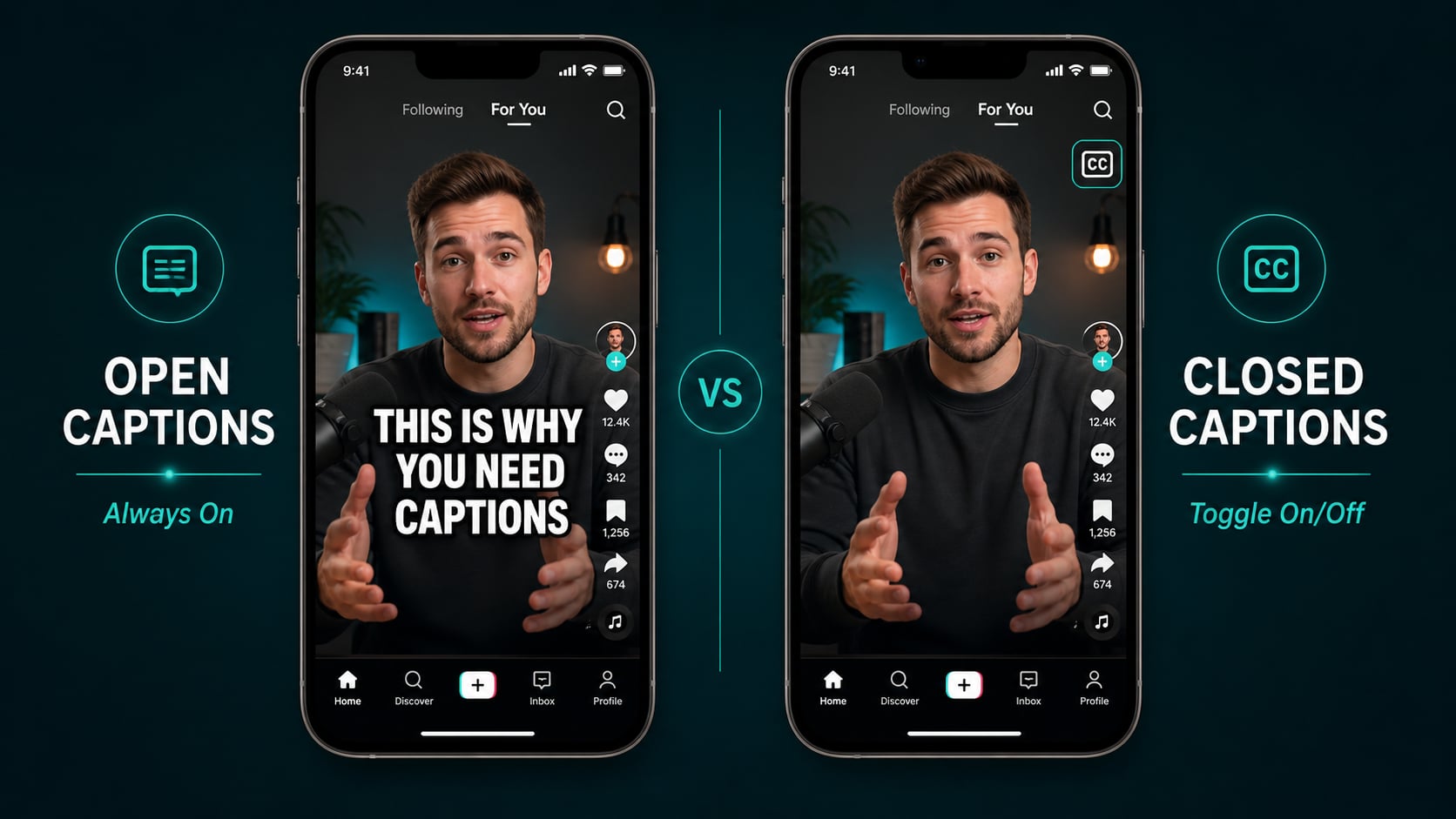
The burned-in part is the detail most people miss. TikTok’s native captions disappear the moment someone screenshots, reposts, or downloads your video. Burned-in captions go everywhere the video goes.
How to caption a TikTok video with AI (the actual workflow)
- 1 Record or import your TikTok video.
- 2 Upload it to AutoCaption. The AI transcribes your audio automatically.
- 3 Review and edit the captions in the editor. Fix any names or brand terms.
- 4 Choose your caption style: font, size, color, stroke, highlight color, and animation.
- 5 Export the video as an MP4 with captions burned in.
- 6 Upload to TikTok as normal. Disable TikTok's auto-captions to avoid double text.
The whole thing takes under 5 minutes once you’ve done it twice. First time might take 10 while you dial in your style.
What caption style actually performs on TikTok
I’ve watched a lot of viral content closely and the pattern holds: big, bold, high-contrast text wins. Every time.
- Bold sans-serif font (thick, readable at small sizes)
- White text with a black or dark outline for maximum contrast on any background
- Center-screen placement, where eyes naturally focus
- Word-by-word or phrase-by-phrase animation that matches natural speech rhythm
- Short lines: 3 to 5 words max per caption burst
- High contrast highlight color on the active word (yellow, cyan, or pink)
Pro tip
The caption style that performs best in 2025 is large centered text with a colored word-highlight tracking the current spoken word. Viewers subconsciously follow the highlight. It keeps them watching until the end without even realizing it.
The details that separate viral captions from forgettable ones
Getting the transcription right is step one. Step two is what most creators skip:
- Hook in the first 2 seconds. Your caption text is visible before anyone decides to keep watching. Make that first line a reason to stay, not a setup or context. A reason.
- Match the pace. Fast-talking content needs quick, short caption bursts. If you speak deliberately, you can run a bit longer per line.
- Use emphasis deliberately. Capitalize a key word, switch to a highlight color on the phrase that matters. It only works when it’s rare, so don’t overdo it.
- Be consistent. Your caption style is part of your visual brand. Viewers recognize consistent creators faster.
One workflow, six platforms
Generate your captions once in AutoCaption, burn them in, and the same file works everywhere:
- TikTok
- Instagram Reels
- YouTube Shorts
- Facebook Reels
- X (Twitter) video
- LinkedIn video posts